Save ChatGPT and Claude chats as PDF, Markdown or JSON
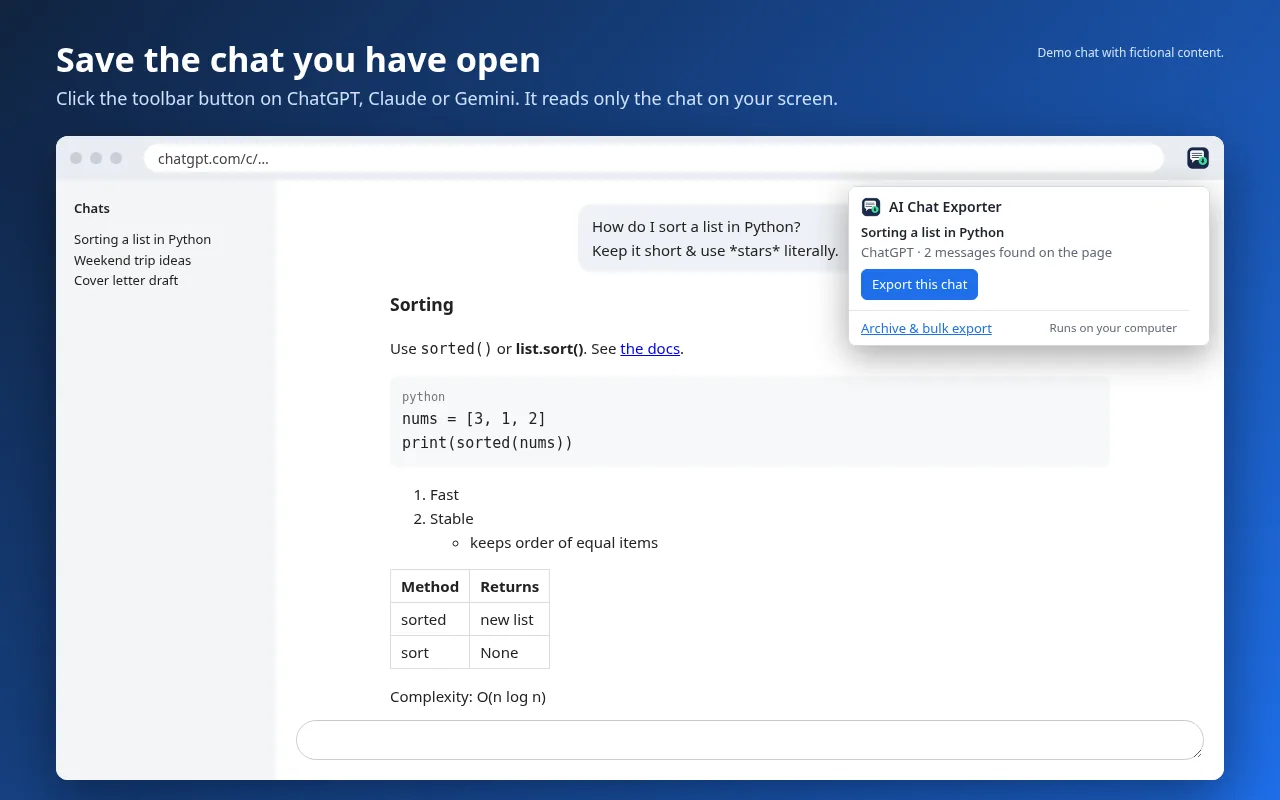
AI Chat Exporter is a free extension for Chrome and Firefox. Click its toolbar button while a chat is on your screen and save it as a clean PDF, Markdown, text or JSON file. One-click export works on ChatGPT and Claude; Gemini one-click export is in beta (check your file). Markdown, text and JSON exports have no daily limit; PDF is free 3 times a day. It runs on your computer and nothing is sent to us.
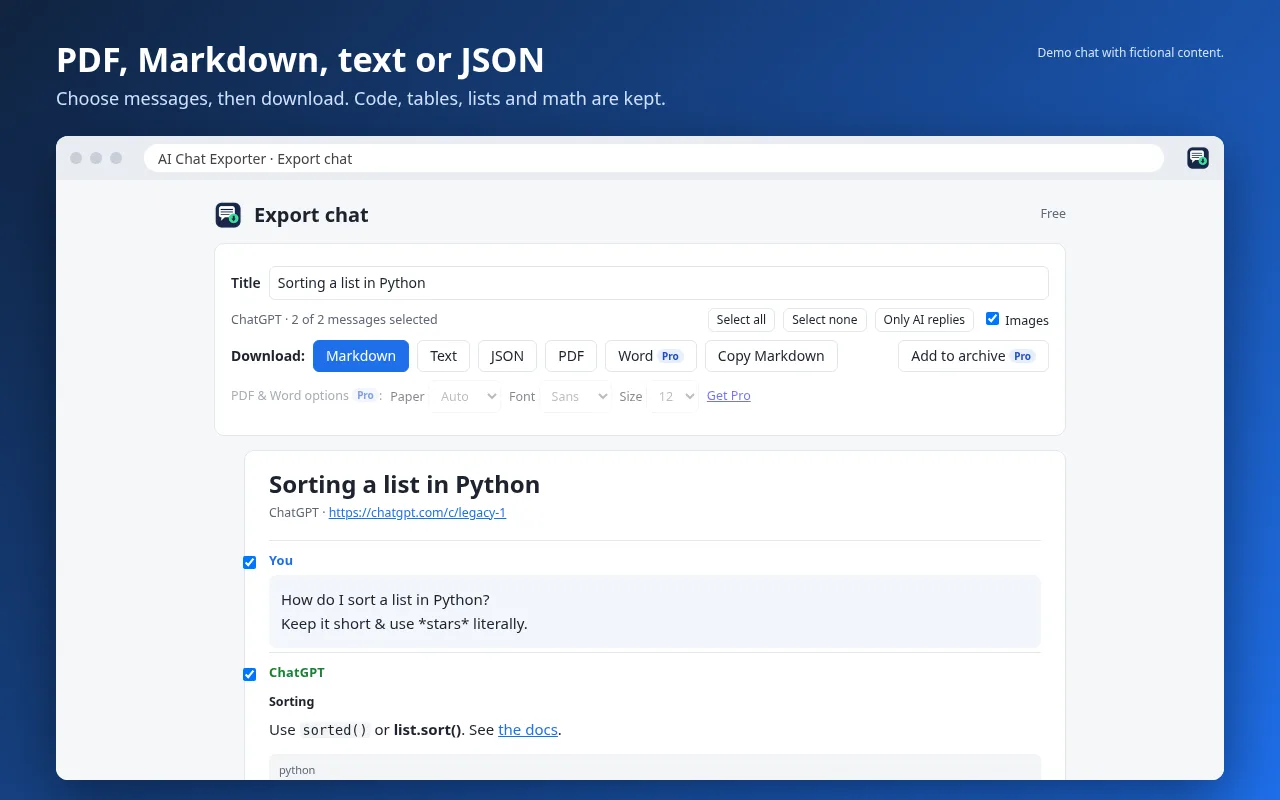
Export the chat on your screen to Markdown, text or JSON, or copy it as Markdown, with no daily limit.
PDF export of the chat on your screen, 3 a day.
Code blocks (with the language), tables, lists, links and quotes are kept. Math is kept as LaTeX.
Pick which messages to include, or only the AI's replies.
No watermark or branding on your files.
"Collect while I scroll" for long chats that the site loads in parts.
Pro: $5/month or $39/year
Unlimited PDF export.
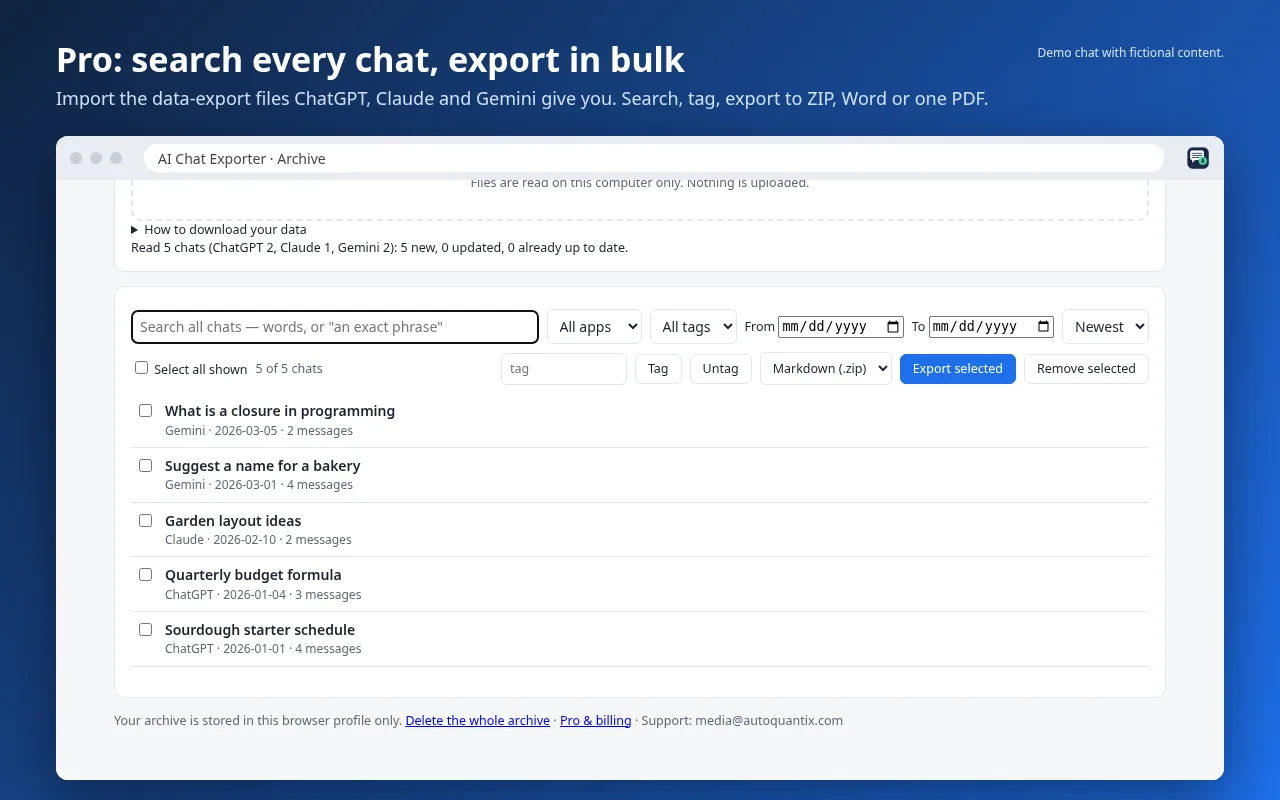
Import the data-export files from ChatGPT and Claude, and your Gemini history from Google Takeout, into one archive on your computer.
Search every chat by word or exact phrase; filter by app, date and tag.
Bulk export to a Markdown ZIP (with front matter for Obsidian or Notion), a Word ZIP, or one PDF.
Word (.docx) export for single chats, plus paper size, font and text size.
Refunds: if Pro doesn't work for you and we can't fix it, email autoquantix@gmail.com and we'll refund your last payment in full. If you're in the EU or UK, you can also use your 14-day right of withdrawal where it applies. Cancel any time.
 AI Chat Exporter